

How to Check UNICAL Semester Results 2026/2027 – This guide explains everything you need to know about University of Calabar result checker portal for the 2026/2027 academic session and how to check your semester results online.
You can access both your GSS and semester results on the University of Calabar (UNICAL) undergraduate result portal.
The good news is that UNICAL first and second semester results for the 2026/2027 academic session are now available online.
Table of Contents
How to Check UNICAL Semester Result 2026/2027 Online
Follow these simple steps to check your UNICAL result:
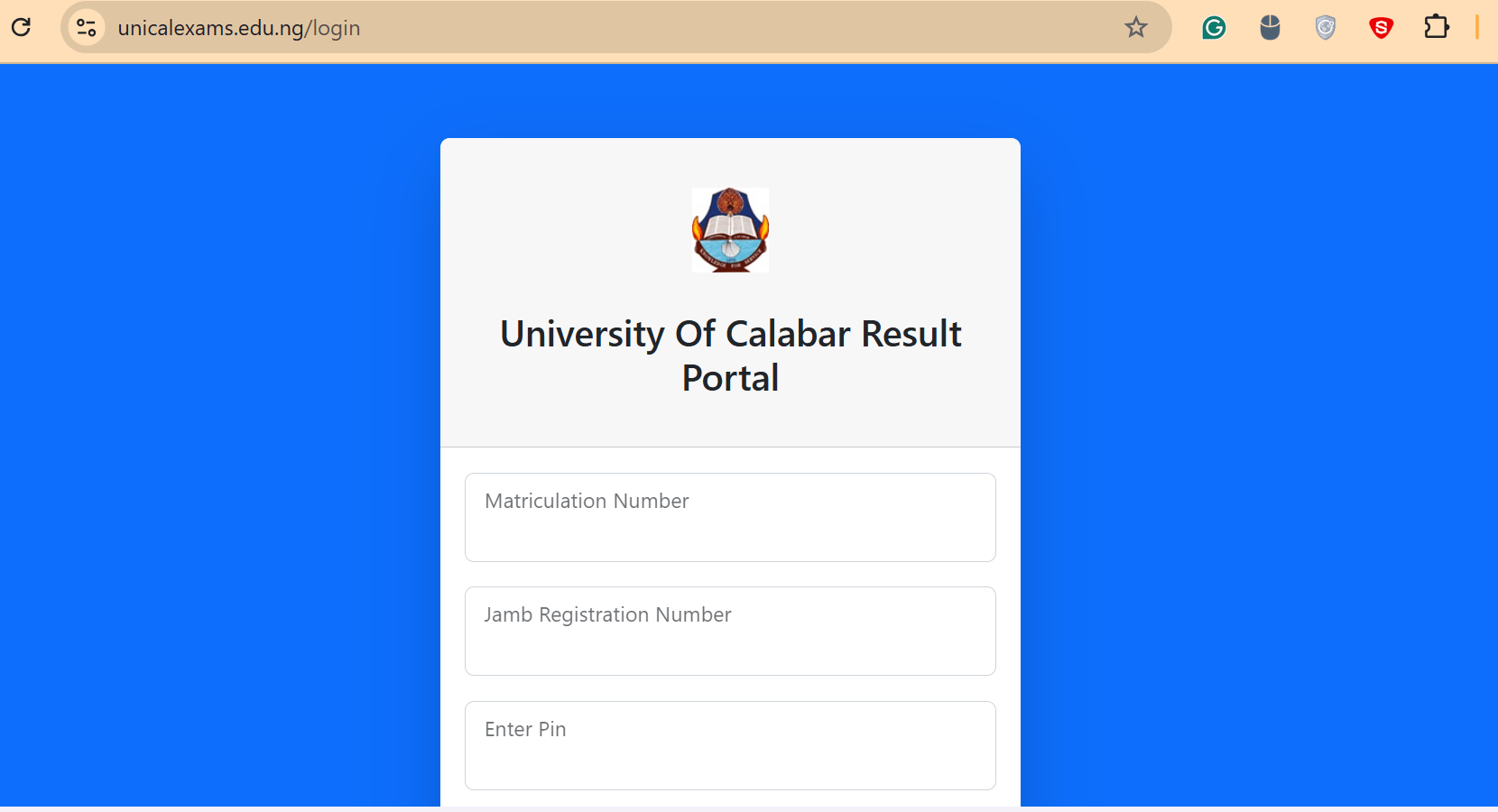
- Go to University of Calabar (UNICAL) undergraduate result checker portal at www.unicalexams.edu.ng
- Click on the Login Menu
- Enter your JAMB Registration Number, Matric Number and Pin
- Select New or Returning Student
- Click LOGIN to view your semester results
About University of Calabar Result Checker Portal 2026/2027 Academic Session
UNICAL result portal is designed for all categories of students.
You can use the portal if you are in:
- UTME programme
- Diploma
- Sandwich
- Top-Up
- Open and Distance Learning (ODL)
- Affiliate programmes
The portal also allows students offering General Studies and Communication Skills (GSS) to check their results.
Important Note
If you encounter any issues while checking your results, you can reach out to us for assistance to resolve the problem quickly.